Windows 11 Pro PCs are the most secure Windows devices yet, giving your team the freedom to do their best work. 🛡️ Send us a message when you’re ready to upgrade to Windows 11 Pro devices today. @Microsoft Windows
Windows 11 Pro PCs are the most secure Windows devices yet, giving your team the freedom to do their best work. 🛡️ Send us a message when you’re ready to upgrade to Windows 11 Pro devices today. @Microsoft Windows
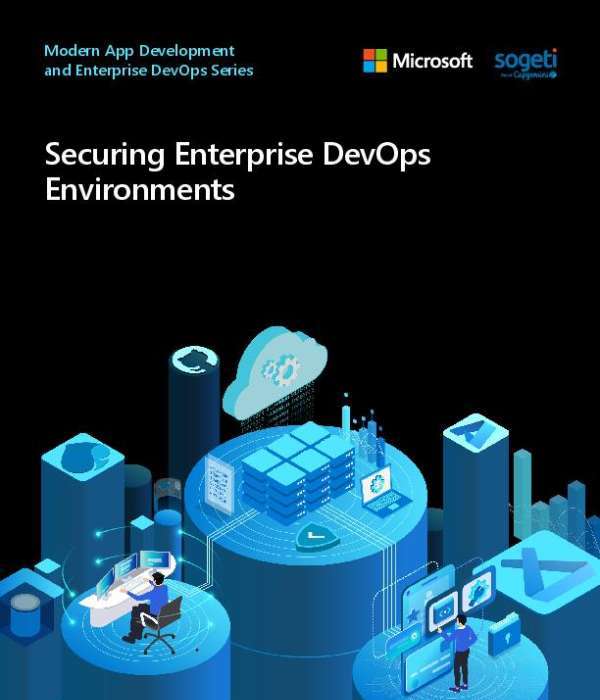
🔐 Security gaps in DevOps increase as environments become more complex. Download this guide to learn how to secure code, pipelines, and infrastructure with Azure and GitHub while keeping development moving. @microsoft-azure ⚡
Wondering what Agent Mode in Microsoft Word means for the way your staff drafts and formats documents? ✍️
Open Copilot Chat and try this prompt: “Tell me everything I need to know about Agent Mode in Microsoft Word.” @Microsoft Copilot
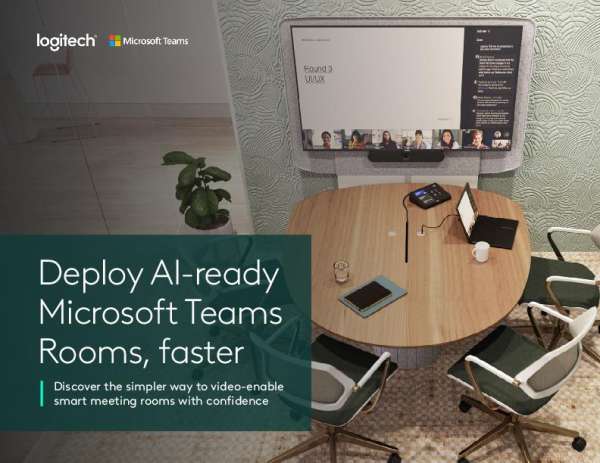
Adding meeting rooms often means contractors, cabling, and timelines.
This eBook shows how Logitech Express Install kits and all-in-one solutions such as Rally Board 65 get Microsoft Teams Rooms set up in under an hour in most cases, with no specialized AV expertise required.
Download your copy to see how faster, standardized deployment brings Copilot, IntelliFrame, People Recognition, and intelligent meeting recap into more of your spaces. @Logitech for Business
Competitive analysis, messaging, launch planning, enablement, reporting: each one starts by pulling together scattered inputs. 📈
This eBook offers ready-to-use prompts that ground Copilot in your research, meetings, and customer insights. For prompts your marketers can use on the next launch, download the eBook today. @Microsoft Copilot
Want a faster path from Copilot trial to business value? Start with a personalized 30-day success plan. Answer a few quick questions and receive a week-by-week roadmap with practical scenarios, guided activities, and ready-to-use prompts, designed to help your team start strong and keep progressing. Explore Build Your 30-Day Copilot Success Plan and see how easy it is to get moving, stay on track, and realize value faster. @Microsoft Copilot
Ready to turn AI potential into measurable business outcomes?
Microsoft’s “Four Paths to Business Value with AI” eBook explores how Frontier Transformation can help you:
Ready to turn AI potential into measurable business outcomes?
Microsoft’s Four Paths to Business Value with AI explores how Frontier Transformation can help you:
Enrich employee experiences
Reinvent customer engagement
Reshape business processes
Accelerate innovation
Discover how intelligence and trust can help you move beyond experimentation and scale AI responsibly across your enterprise.
✅ Enrich employee experiences
✅ Reinvent customer engagement
✅ Reshape business processes
✅ Accelerate innovation
Discover how intelligence and trust can help you move beyond experimentation and scale AI responsibly across your enterprise. Download your complimentary eBook. 🔐 @microsoft-copilot
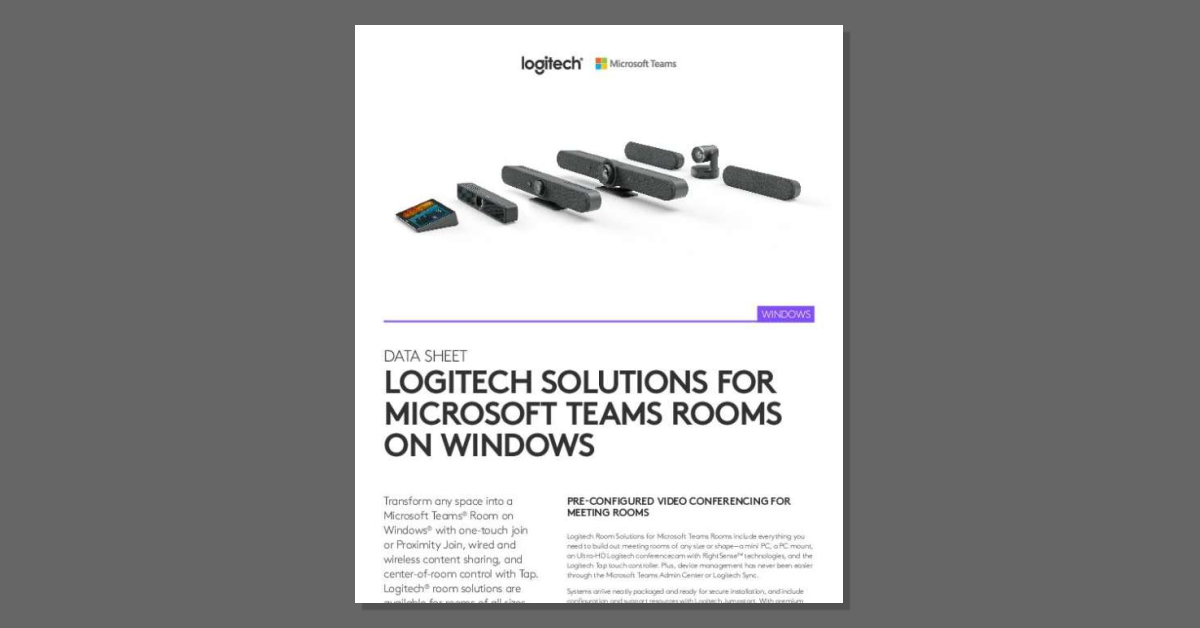
Room size shouldn’t determine the quality of a meeting.
This datasheet covers Logitech Solutions for Microsoft Teams Rooms on Windows, matching room sizes to conference cameras, Tap touch controllers, certified mini PCs, and accessories like Rally Mic Pods, Sight, and Scribe.
Download the datasheet to see which configuration fits each of your spaces. @Logitech for Business
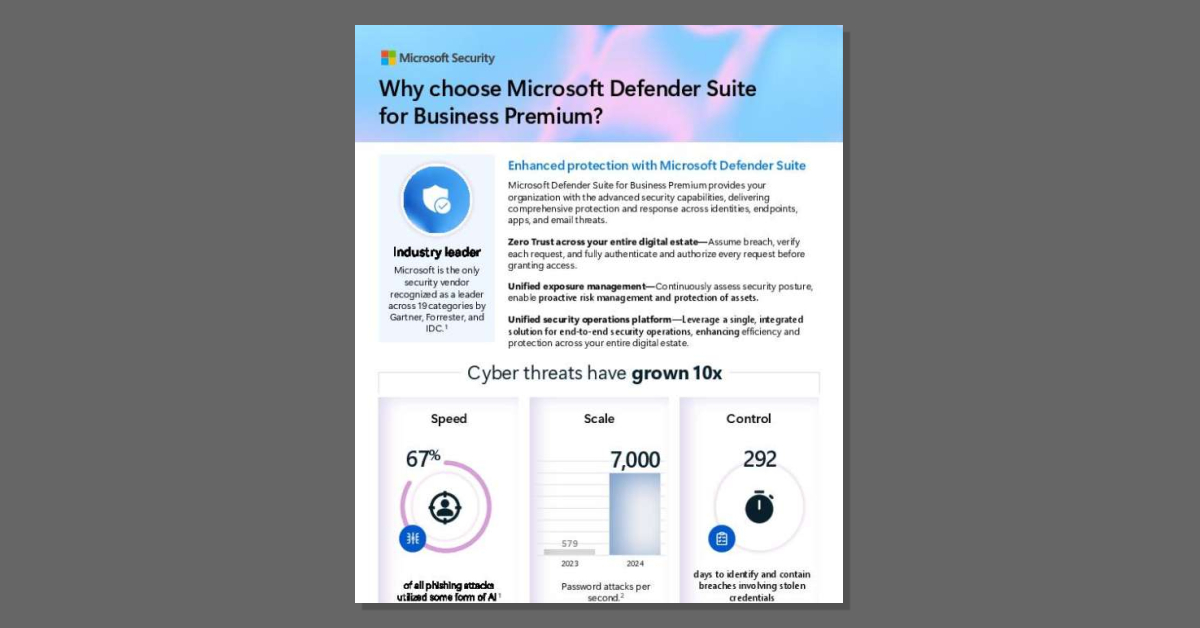
Fragmented security tools raise licensing costs and leave gaps between them. 🛡
This one-pager shows how Microsoft Defender Suite for Business Premium unifies protection across identities, endpoints, email, collaboration, and SaaS apps on a Zero Trust foundation.
Read it to see how the suite strengthens cyber resilience while cutting per-license cost by about 65%. @Microsoft Security
Move from agent idea to governed business impact with Microsoft’s practical 8-step framework. Learn how to define the problem, assess data, map workflows, choose interaction and identity models, select the right Microsoft tools, test performance, and operate securely. Download the whitepaper and start building. @Microsoft Copilot